3D Web Apps For All Devices
Learn how to develop 3D web applications that work reliably across all devices using real-world browser capability data from Web3DSurvey.com with a practical two-tier development strategy.
Ben Houston • • 4 min read
Building 3D web applications means choosing between broad device support and a high-quality experience. Push too far on quality and older devices get a blank screen. Stay too conservative and modern hardware sits idle.
After a decade of building 3D web applications with millions of users and collecting real-world browser capability data through Web3DSurvey.com, I've settled on a two-tier approach that handles both without much extra work.
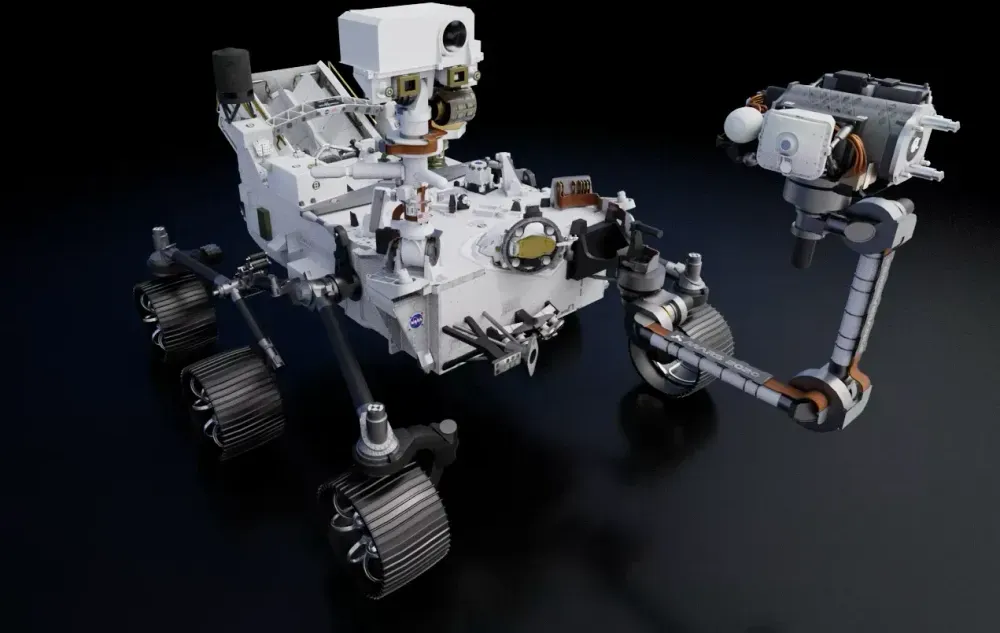
Image curtesy of the Three GPU Pathtracer project.
Understanding the Current 3D Web Landscape#
Web3DSurvey.com collects anonymized data from approximately 500,000 monthly visitors across various 3D-focused websites.
The tracker profiles browser capabilities across WebGL 1, WebGL 2, and WebGPU, documenting:
- Feature/extension support rates
- Hardware limitations (max texture sizes, etc.)
- Performance characteristics
While there's some sampling bias toward users visiting 3D-related sites, the data is a reasonable representation of what capabilities are available across the web. Some key findings as of March 2025:
- WebGL 1 is supported by ~99.5% of devices
- WebGL 2 is supported by ~98.6% of devices
- WebGPU support continues to grow but is primarily available on newer devices with 66.7% support
- Critical parameters/limits like maximum texture sizes and features/extensions vary significantly across devices
The Two-Tier Development Strategy#
Based on this data and practical experience, I've found success with a two-tier development approach:
Tier 1: The Universal Baseline Experience#
Create a foundational 3D experience that works on the vast majority of devices by:
- Targeting 90-95% support threshold: Focus on features and capabilities available to at least 90-95% of users according to Web3DSurvey data
- Limiting dependencies: Keep the baseline version lightweight and performant
- Conservative resource usage: Stay well within commonly supported texture sizes, polygon counts, and shader complexity
- Early capability detection: Detect device capabilities immediately upon page load, before initializing any 3D content
This baseline gives a working 3D experience to nearly every visitor. No blank screens, no errors on older hardware.
Tier 2: The Enhanced Experience#
Once the baseline is working, implement an enhanced version that takes advantage of more powerful capabilities:
- Feature detection: Check for the specific set of features needed for your enhanced experience
- Consolidated enhancement: Rather than checking and conditionally enabling dozens of individual features, group them into a cohesive "enhanced mode" that activates when all requirements are met
- Target modern flagship devices: Design your enhanced experience for high-end devices released in the last 2-3 years (latest iPhones, Samsung Galaxy, Google Pixel, etc.)
- Visual upgrades: Implement higher resolution textures, more complex shaders, post-processing effects, and other visual improvements
The Benefits of Limited Testing Paths#
Two clear paths means two things to test. That's it.
- The baseline experience
- The enhanced experience
Conditional code paths for individual features multiply fast. Five independently toggled features give you 32 possible states. With two modes you test two states and move on.
Handling Edge Cases: Compressed Textures#
While the two-tier approach works for most features, some capabilities still require special handling. Compressed textures are a prime example, as different mobile platforms support different formats:
- iOS devices typically support PVRTC/ASTC
- Android devices often support ETC2/ASTC (with variations between manufacturers)
For these cases, you may need specific detection and branching logic. Web3DSurvey provides detailed data on compression format support across devices, so you can pick formats with the highest compatibility.
WebGPU has brought better unification here, which simplifies cross-platform texture handling for newer applications.
Real-World Results#
I've used this on multiple production 3D applications. Older devices stay functional. Testing overhead drops. Modern devices get the full experience. And the baseline's compatibility focus tends to improve performance across the board, not just on low-end hardware.
Conclusion#
A data-driven, two-tier approach lets you ship 3D applications that work on old hardware and look great on new hardware, without maintaining a tangle of conditional feature flags. Use Web3DSurvey.com to pick your capability thresholds, build a solid baseline targeting 90-95% device compatibility, then layer the enhanced mode on top. Test two paths. Ship.